
Sep 21
An incomplete look at archivers on Linux
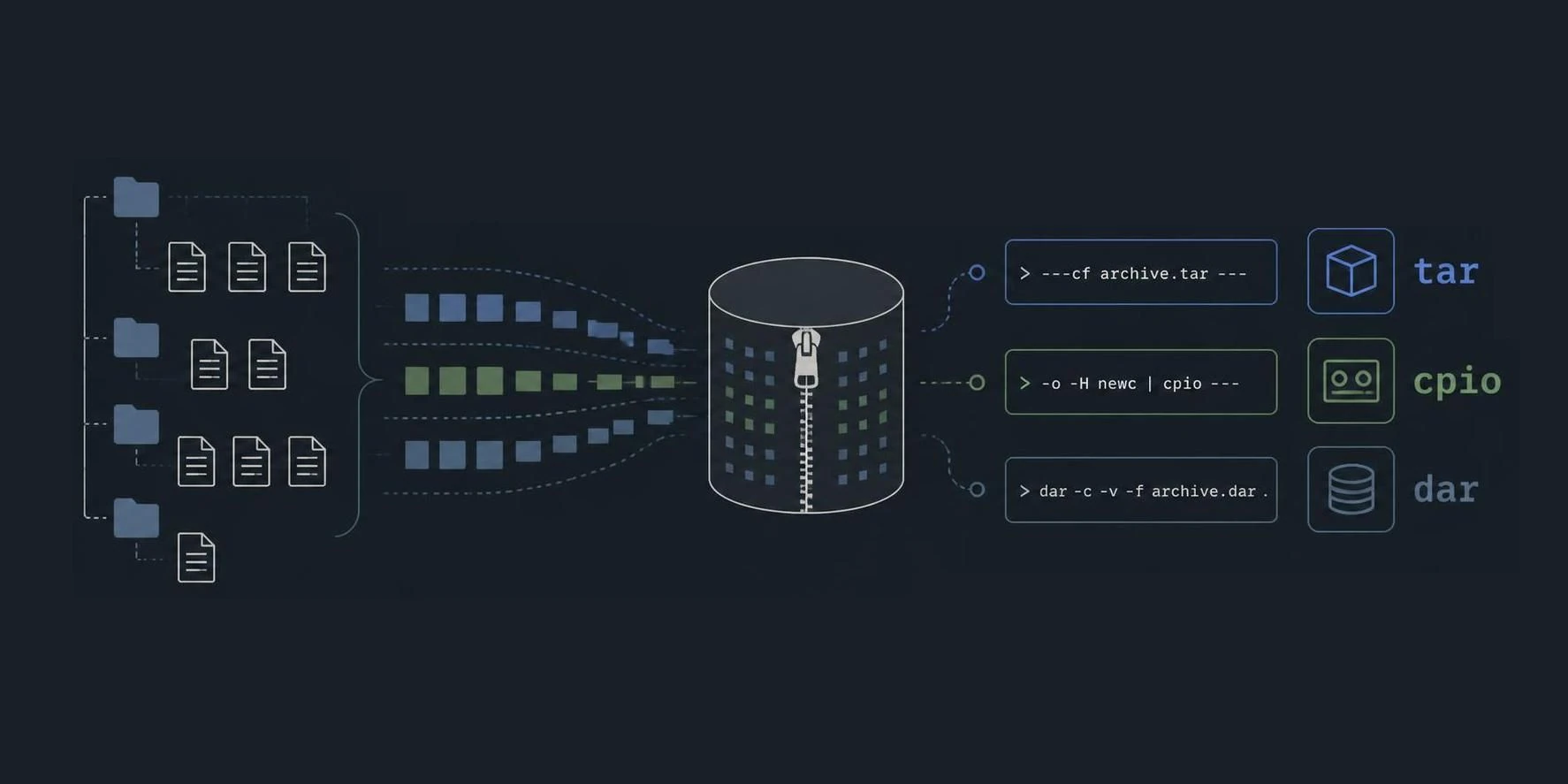
If you grew up during the 1980s you might know cpio and tar. The 90s had .arc and saw the introduction of the PK .zip format. You know zip? Who doesn't. Then came .rar and .7z. What most of them share is that the files these tools produce are are basically a concatenation of files, separated by some header with a varying degree of arbitrary metadata support.
AFAIK, afio was the first tool that introduced the concept of having per-file-type filters, allowing some to be compressed, other not/ just copied - smart compression. That was in ~1985. The other thing afio did was it generally treated the output not as one stream but compressed individual files. The problem is that if even a single bit on the backup medium - say, a hard drive or magnetic tape - gets corrupted, decompression will stop at that point. In many cases, all the data that comes after it in the archive is lost too. Treating files as individual chings vs. the entire stream as one solves that. afio skips over corrupted files in an archive and resynchronizes at the next file header.
In the early days of Unix and Linux, archive tools were mainly used to package files for transport. They made it possible to bundle entire directory trees into a single stream or file, which was much easier to copy, move, or transfer than handling thousands of individual files separately. Additionally, archivers solved cross-platform inconsistencies (binary endian-ness, etc) between different computer systems.
As computers became capable of handling larger amounts of data, the same archive formats gradually became useful for another purpose: backups. Instead of creating archives only to move files from one system to another, people began using them to preserve the contents of their filesystems for later recovery. And for such workflows, archivers needed to have the capability of storing and restoring special files, like hardlinks, stub files, sparse files, sockets, rich file permissions, extended attributes (ACLs, user metadata, etc.), path name inconsistencies and more.
Dedicated backup tools
Around the time when git appeared on the scene, a new approach to content storage became popular: Content Addressed Storage. The basic idea is that a cryptographic digest is used to identify a specific piece of data. The resulting hash acts as the data’s address: the same content always produces the same hash, while even a small change to the content produces a completely different one. In practice, hashes are not mathematically guaranteed to be unique, but strong cryptographic hash functions make collisions so unlikely that they can generally be treated as unique identifiers.
Today, we have dedicated reliable backup tools. They provide error correction or fast access to individual files. There's dar (Disk Archive), BorgBackup, and Restic. They also offer features like deduplication and encryption. But BorgBackup and Restic and Veeam with its .vblob format rely on Content Addressed Storage inside a repository. And while this brings a number of improvements and gains in efficiency, it also has one major drawback: If you lose the index, the entire repository is basically just data garbage.
If the index files are lost, the tool can no longer tell which encrypted data chunk belongs to which file.
With BorgBackup and Restic and Veeam's .vblob format, if the index files are completely lost or irreparably damaged, the tool can no longer tell which encrypted data chunk belongs to which file. You’re left with a huge pile of anonymous 5 MB files, effectively useless without a "table of contents". That said, the developers of Borg and Restic were obviously aware of this nightmare scenario, so they built in safety nets. In practice, the risk is much lower than it might seem at first glance.
But still: a backup is just as good as how reliable it is. If your format corrupts easily - you're doomed. If your setup is complicated and reliant on many specific tools or technologies that might vanish, get out of sync, be forgotten - you're doomed. So in terms of backup: simplicity is king.
The middle-ground for cautious types here claims a modern tool called Duplicity. It uses the traditional .tar format, split the archives into encrypted chunks, and provides straightforward incremental backups without relying on a complex chunk database. Based on this, you can do efficient, incremental, encrypted backups just as well as with Git-like object structures, as Borg and Restic do. Duplicity packs your data into ordinary GNU tar archives and encrypts them with GnuPG (GPG).
The big advantage if something goes wrong is that losing the local index isn’t a disaster. The archives on your backup medium are self-contained .tar.gpg files, and Duplicity can rebuild the index at any time by reading the remote archives again. And even if Duplicity disappeared completely ten years from now, all you would need is your GPG passphrase and a standard Linux terminal.
Block level backups
Veeam pioneered the idea of shelving entire virtual machines and virtual hard drives in simple containers on Windows. Yet this approach isn’t exclusive to Veeam; it’s really a matter of perspective. Does your backup or archiving tool operate inside the filesystem, at the file level? Or do you approach backup from the outside, at the block-device level?
In summary, archivers have their use cases, and dedicated, feature-rich backup suites have theirs. But cloning an entire drive in one solid binary blob can be very straightforward.
dd can come in handy here. qemu-img / .qcow2 are names to drop. btrfs / zfs can compile so called "send images" and there is cramfs, ISOs and SquashFS.
Originally designed as a compressed, read-only filesystem designed to package entire directory trees into a single compact image, SquashFS is commonly used for live Linux systems, containers, firmware, and other situations where files need to be distributed efficiently but not modified in place. This makes it highly suitable for a backup. And one thing where SquashFS shines its handling of special file metadata, xattribs, links etc. and how well it compresses. If you do you next backup snapshot, SquashFS has never let me down and might be a good fit for you. Check it out.
P.S. For completeness, we might mention EROFS here, a SquashFS sibling. And bacula, a modern backup suite we haven't covered here.