
Sep 23
Do you wipe your hard drives?
A friend used to say:
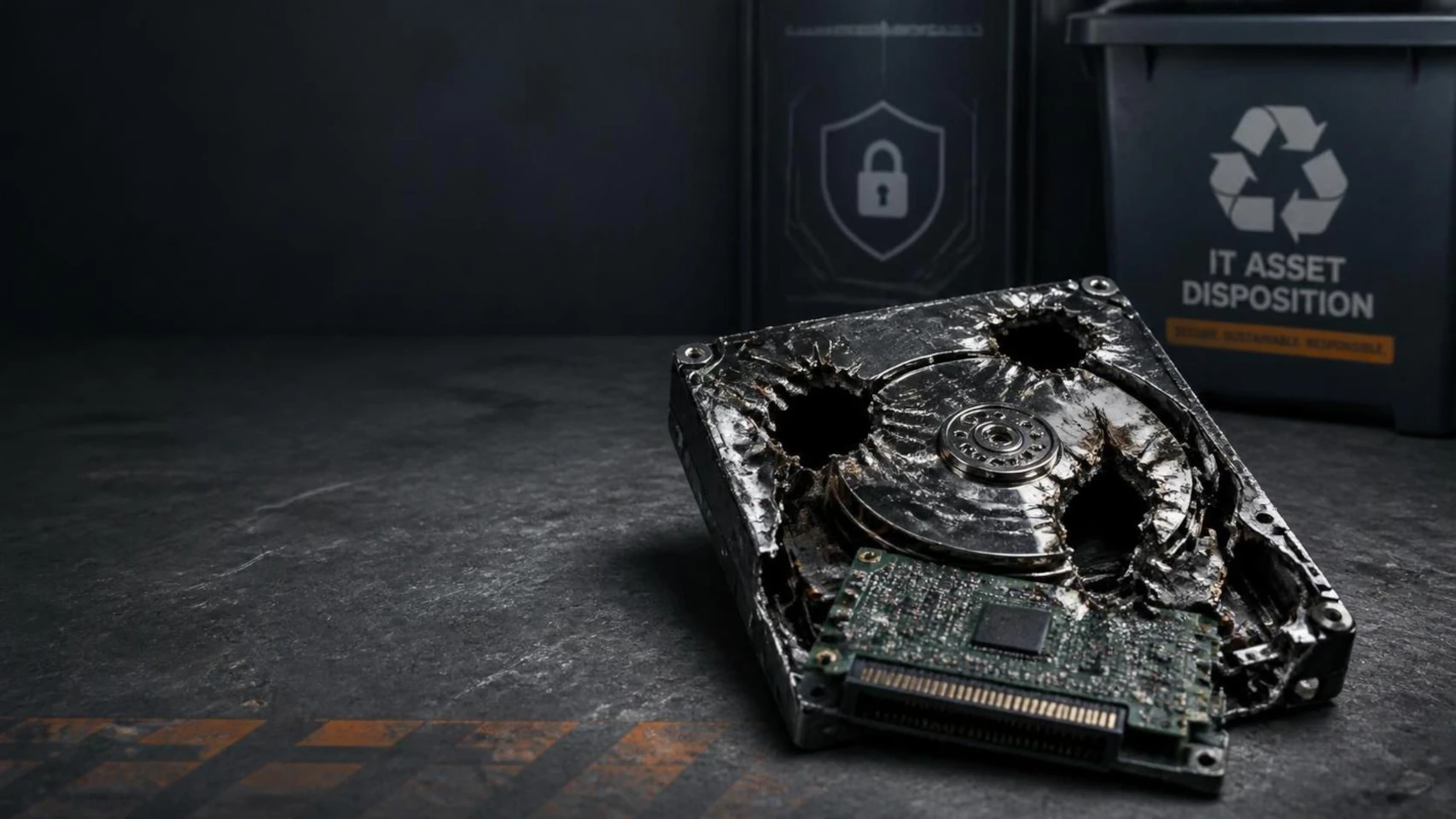
My go-to for old hard drives is taking them to our hunting camp for target practice. A couple of shots from the family's .308 rifle easily reduces the drive to dust and fragments.
Sure, that's one option of securely "wiping" your old data storage media. And at the same time, it is a thought people have that already do think responsibly about old data storage assets - good data governance. The reality is - sadly - very different. Just ask your ITAD vendor for some anecdotes:
When people hand-off their drives, ranging from USB-sticks to SSDs and HDDs, they usually will tell you confidently that they always, *always*, wipe their drives themselves before they hand them off. Or an ITAD vendor will tell you they "wipe". But ask 3 people or vendors and you will get 3 answers for what "wiping" actually means:
For some it means they "emptied the recycle bin". Great!
Some say they "did a factory reset". Wow. 15 minutes with a free tool and that is undone.
Some used Explorer to delete what "looked like sensitive data". Urg.
In contrary, the real deal is to do either a multi-pass overwrite or depending on data even physical destruction. Tied to each drive's serial number. Certified by two people (the four-eyes principle). That’s what it takes to sleep soundly at night. The name for it: NIST SP 800-88 Rev. 2.
What you need is a proper and documented data sanitization process. What you need is a proper software tool to track your storage media, like Chroma or a heavily DIY customized Snipe-IT. Either way, you need to set the process in stone.
Even in small organizations, the sheer amount of data storage media tends to grow very quickly, and just as quickly, you'll loose your grip on every piece of information-carrying media. Do your homework and start today! ...Trying to catch up later will feel exhausting and will become a burden that in turn will again keep you from incorporating a proper process. So start now. Take it from someone who has already been through it.